


The #1 Free

Sens Converter

& Mouse Sensitivity Converter

Keep the exact same feel across every game you play. Our sens converter instantly translates your sensitivity between CS2, Valorant, Apex, Warzone, Fortnite and 100+ titles — accurate, free, and trusted by 50,000+ competitive gamers.

★★★★★4.9/5 from 2,800+ gamers

Sensitivity Converter

✓ Free 60+ Games
Converted Sensitivity in Game
Games Supported
0 +
Tools
0 +
Gamers Trust Us
0 +
Free Forever
0 %

Mouse Sensitivity Converter

Convert your exact sensitivity between any two games. Supports DPI conversion and outputs eDPI and cm/360 for precision.

Sensitivity Converter

Sensitivity Converter

✓ Free 100+ Games No Signup
Please select both games and enter your sensitivity.
Converted Sensitivity

Every Tool You Need to

Perfect Your Aim

A complete suite of free precision tools for competitive gamers. All instant, all free, no account required.

snes convrter

Sensitivity Converter

Convert mouse sensitivity between any two games with full DPI support and cm/360 output. The core tool used by 50,000+ gamers.

eDPI Calculator

Calculate your effective DPI — the universal measure that makes comparing sensitivity across any setup instant and accurate.

cm/360 Calculator

Find the physical distance your mouse travels for a full 360° rotation in-game — the most precise sensitivity measurement.

DPI Analyzer

DPI Analyzer

Test and verify your mouse's true DPI. Compare it against manufacturer spec to ensure your sensitivity is truly accurate.

FOV Converter

Convert field of view between Horizontal, Vertical and 4:3 types across any game. Essential when switching between titles.

Polling Rate Test

Polling Rate Test

Verify your mouse polling rate — check whether you're getting 125Hz, 500Hz, or 1000Hz for smoother, more responsive aim.

Dedicated Page for

Every Game

Each game page has a pre-loaded converter, recommended sensitivity ranges, and pro player settings for that specific game.

Top Game Pair

Converters

The most searched game-to-game conversions. Click any pair to pre-load the converter above.

Convert Your Sens in 4 Steps

01

Select Both Games

Choose the game you're converting from and the game you want to play. Supports 100+ FPS and Battle Royale titles.

02

Enter Your Sensitivity

Type in your current in-game sensitivity value. Optionally add your DPI if you are also switching mice.

 
03

Get Your Result

Instantly receive your converted sensitivity, plus eDPI and cm/360 for the most precise aim matching possible.

 
04

Apply and Play

Copy your result into your game settings and start playing with the same muscle memory feel in every game.


What Is a Mouse Sensitivity Converter?

A mouse sensitivity converter is a free tool that translates your sensitivity from one game to another so that physically moving your mouse the same distance always produces the same in-game rotation — no matter which game you play.

Every game uses a different sensitivity scale. A setting of 1.0 in CS2 is completely different from 1.0 in Valorant. Switching games without converting means spending weeks rebuilding muscle memory from zero.

  • Preserves muscle memory across every game you switch to
  • Handles DPI changes when upgrading your mouse
  • Outputs eDPI and cm/360 for precise calibration
  • Works for all major FPS, Battle Royale, and tactical shooters
  • Used by both casual players and professional esports athletes
 
Live Example Conversions
CS2 1.0 → Valorant
0.314
Apex 2.0 → CS2
2.06
Fortnite 0.5 → Valorant
0.35
Warzone 5.0 → Apex
3.38
OW2 7.0 → CS2
2.16
New Sens = (Old × Mult1) ÷ Mult2

Built for Competitive Gamers

Every feature is designed with one goal — keeping your aim consistent across every game you play.

eDPI Calculator

Instant Results

No loading, no delay. Enter your sensitivity and your converted value appears immediately with zero friction.

cm360 Accuracy

cm/360 Accuracy

Calculate your effective DPI — the universal measure that makes comparing sensitivity across any setup instant and accurate.

cm/360 Calculator

Find the physical distance your mouse travels for a full 360° rotation in-game — the most precise sensitivity measurement.

100 + games

100+ Games

From CS2 and Valorant to Rust, Tarkov, and every new release — new games are added every week on request.

Always Free

Every tool on this site is completely free. No premium tier, no account needed, no paywalls. Ever.

Mobile Ready

Works perfectly on any device — desktop, laptop, tablet, or phone. Convert your sensitivity from anywhere.
Sensitivity Settings of Top Pro Players

See what DPI and sensitivity the best players use, then convert their settings to match your own setup instantly.

S1

s1mple

CS2 · 400 DPI
TZ

TenZ

Valorant · 800 DPI
SH

Shroud

Valorant · 450 DPI
AC

Aceu

Apex · 800 DPI

Learn Everything About Mouse Sensitivity

In-depth guides for competitive gamers — from finding your first sensitivity to optimizing your pro setup.

Sens Converter & Mouse Sensitivity Converter — Complete Guide

Sens Converter is the most accurate free sens converter and mouse sensitivity converter available online. Whether you are switching from CS2 to Valorant, moving from Apex Legends to Warzone, or trying any new FPS game, this tool converts your exact sensitivity so your mouse movement feels identical in every game you play.

Why Sensitivity Differs Between Games:

Every game developer implements mouse input differently. CS2 uses a 1:1 raw input multiplier while Valorant uses approximately 3.18×, meaning a sensitivity of 1.0 in CS2 is equivalent to roughly 0.314 in Valorant. Apex Legends shares CS2's exact multiplier (1.0×), since both games use the same underlying yaw value — so your CS2 sensitivity carries over to Apex unchanged at the same DPI. Without conversion, switching to a game with a different multiplier means your aim resets completely

How the Sensitivity Conversion Works:

Our converter uses verified sensitivity multipliers for each game. The formula is: divide your current sensitivity by Game 1's multiplier and multiply by Game 2's multiplier. The result is the mathematically equivalent sensitivity that produces the same cm/360 rotation distance in both games.

What Is eDPI?

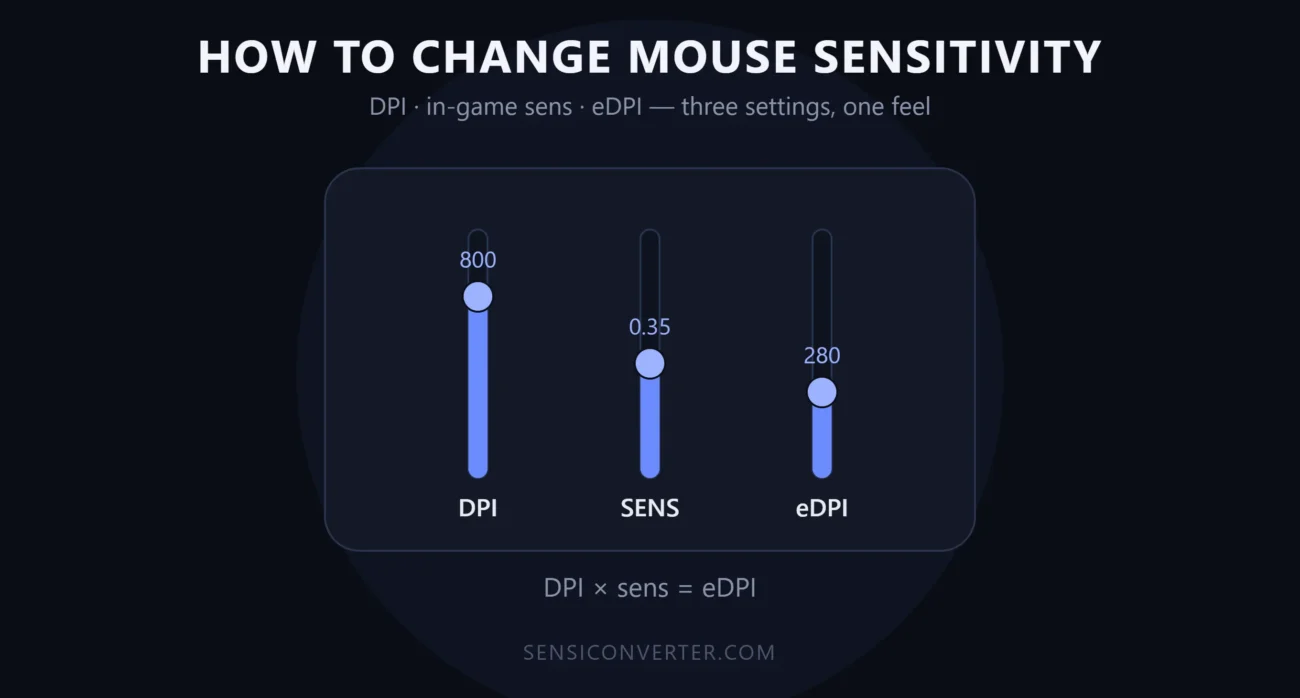
eDPI (effective DPI) is your mouse DPI multiplied by your in-game sensitivity. It is a universal measure that lets you compare sensitivity across different setups. Most pro CS2 players sit between 800–1200 eDPI while Valorant pros average around 280–400 eDPI.

What Is cm/360?

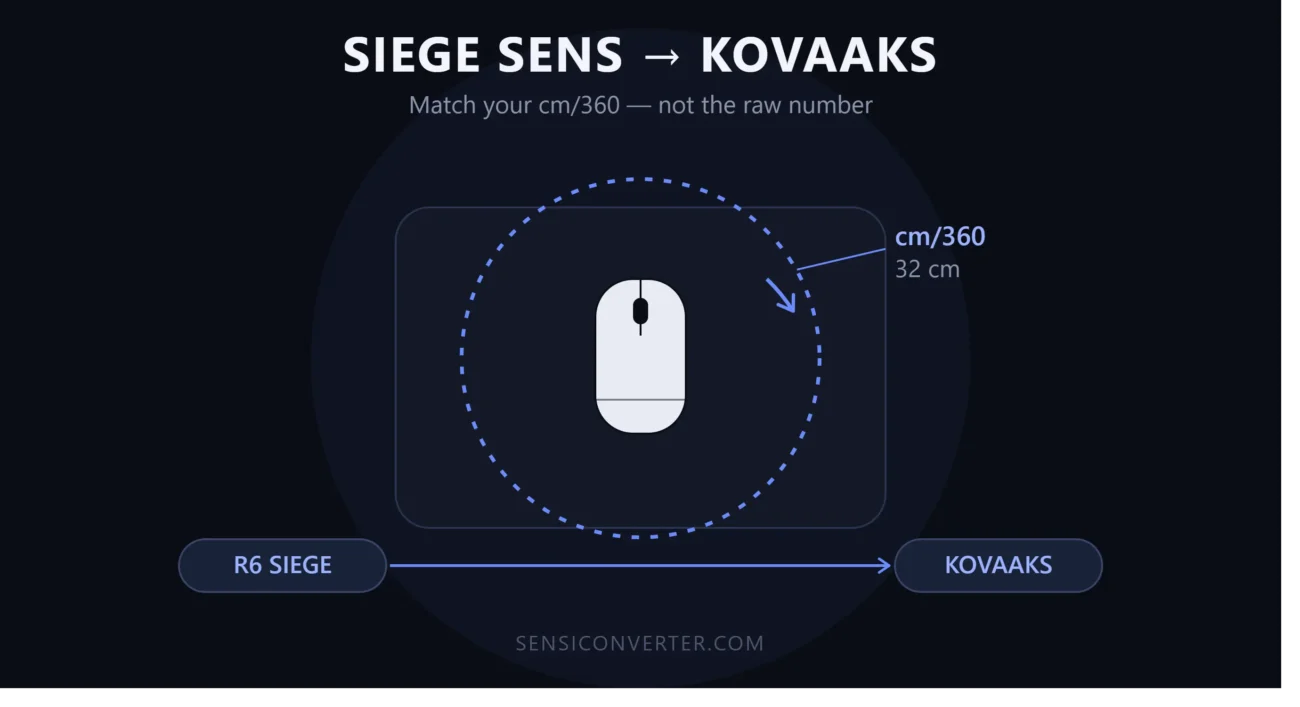
cm/360 is the physical distance your mouse needs to travel to rotate a full 360 degrees in-game. This is the most reliable way to match feel across different games, mice, and DPI settings. Most competitive FPS players sit between 30–50 cm/360.

Which Games Are Supported?

Sens Converter currently supports over 100 games including CS2, Valorant, Apex Legends, Fortnite, Warzone, Overwatch 2, Rainbow Six Siege, Rust, PUBG, Escape from Tarkov, Destiny 2, and many more. New games are added weekly.

What Gamers Say About

Our Sens Converter

Real feedback from competitive players who use Sens Converter to switch games without losing their aim.

★★★★★

"Switched from CS2 to Valorant and this sens converter nailed it first try. My aim felt exactly the same."

— Reddit, r/GlobalOffensive

★★★★★

"Best mouse sensitivity converter I've found. The eDPI and cm/360 numbers are exactly what pro guides use."

— Discord, Valorant community
★★★★★

"Free, fast, no ads blocking the tool. Bookmarked it for every time I try a new game."

— Twitter / X

Frequently Asked Questions

Everything you need to know about mouse sensitivity conversion, eDPI, and using Sens Converter.

What is a mouse sensitivity converter?
A mouse sensitivity converter translates your in-game sensitivity from one game to another so that moving your mouse the same physical distance always produces the same rotation angle. This preserves your muscle memory when switching games.
 
A sens converter is short for sensitivity converter — a free tool that converts your mouse sensitivity between games like CS2, Valorant, and Apex so your aim feels identical no matter which game you play.
Every game uses its own internal sensitivity scale. CS2 uses a multiplier of 1.0, Valorant uses 3.18. Apex Legends shares CS2's exact multiplier (1.0×), so no conversion is needed between those two specifically — but a value of 1.0 still means something completely different in Valorant, Overwatch 2, and most other titles. This converter does the math to make them equivalent.
DPI is optional. Only enter it if you are switching to a new mouse with a different DPI setting. If you are keeping the same mouse, leave the DPI fields empty and the conversion works perfectly based on in-game sensitivity values alone.
eDPI (effective DPI) is your mouse DPI multiplied by your in-game sensitivity. It gives a universal number to compare sensitivity across different setups. Two players with completely different DPI and in-game sensitivity can have the same eDPI and the same actual mouse speed.
 
Our conversions use verified hipfire sensitivity multipliers for each game, giving a mathematically equivalent 360-degree rotation distance. ADS and scoped sensitivities may vary due to each game's zoom implementation, but hipfire conversion is highly accurate.
Yes, completely free. No account, no subscription, no premium tier. Every tool on this site — the sensitivity converter, eDPI calculator, cm/360 calculator, DPI analyzer, FOV converter, and polling rate test — is free forever.
 
The vast majority of pro FPS players use 400 DPI or 800 DPI. This gives the smoothest interpolation on most sensors. The key number is eDPI, not DPI alone. Most CS2 pros sit at 600–1200 eDPI and Valorant pros at 200–400 eDPI.
Use the Request Game page to submit your game. We verify the sensitivity multiplier and add it to the converter, usually within a few days. We currently support 100+ games and add new ones every week based on community requests.